Showing posts with label Timer. Show all posts

Monday, February 24, 2014

How to enjoy Hay Day smarter (Game timer)

Hi everyone,

I would like to introduce how to enjoy Hay Day smarter with Multi Timer.


The Hay Day is one of my favorite games for the longest time so far. It is totally different from other farming games: different gestural controls and lovely charming design. Also, all stuffs do not rot.

Just rushed upon my mind that the Multi Timer helps to enjoy Hay Day more comfy. Let's see how to be smarter.

Add timer presets you think are important, get less stressed and increase the feeling of satisfaction. (I know there are alarms in the game, but I just wanted to control alarms by myself.)

Main purposes to use the Multi Timer frequently for this game are these following 3 things:


- Next boat arriving time
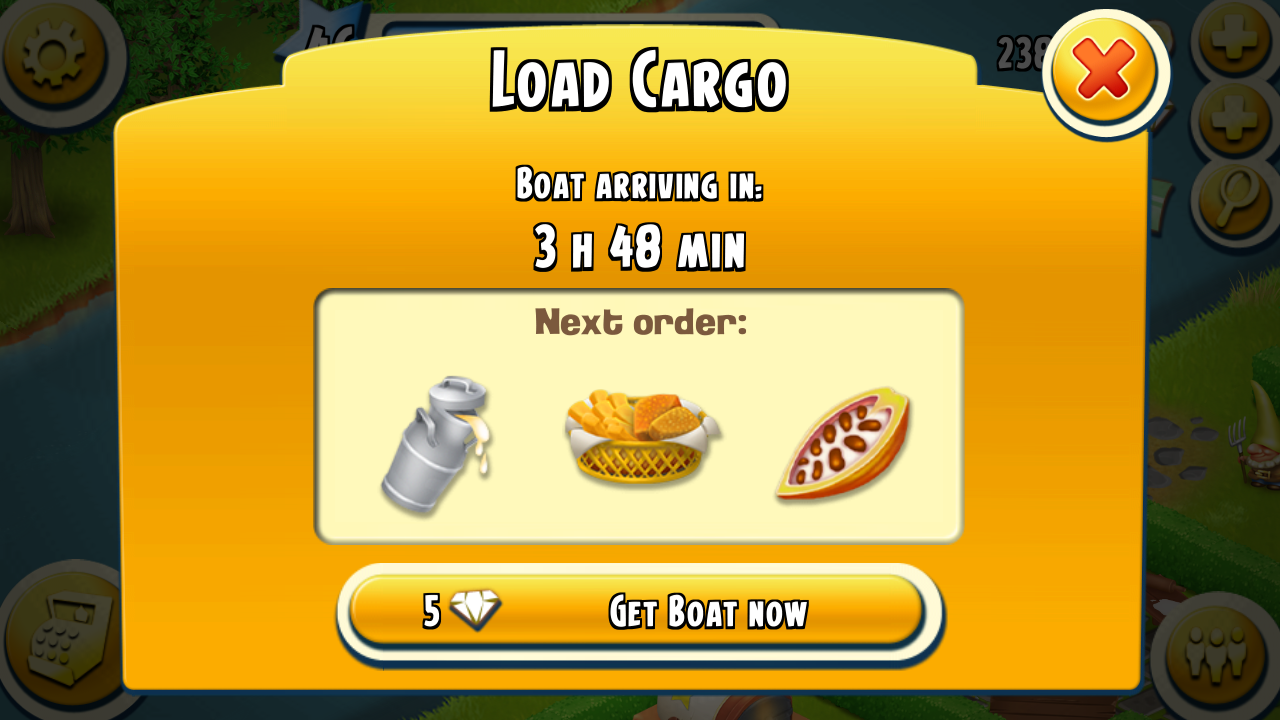


- Time to prepare for crops and products to load cargo


- Time to prepare for crops and products to clear missions on the orders


Add these time in the timers like below. (There is no limit to the number of the timer.)


Ready, set, go!!


When you start timers, you can check the time remaining in the notification view at any time you want regardless of whether the app is running.

Do you think you can enjoy Hay Day more smarter now?
Well.. It's time to go download the Multi Timer.


Tuesday, February 18, 2014

Multi Timer widget manual

Good day everyone,

Do you know about a widget in Multi Timer?

Today I will introduce how to use the Multi Timer widget.
You can put widgets of your favorite timers on the home screen.
Without launching the app, you can control the timers.

Now, let's get together.

1. Put a timer widget anywhere you want like below.


2. Choose a timer and adjust the color and transparency of the widget.


3. The timer widget is added as shown below. Press and hold the widget to change the widget size as shown in the figure.


4. Description of the widget touch area
① Timer reset: Revert time to set time
② Start/Stop: Start/Stop the timer
③ Run the app: Run the Multi Timer app
④ Widget settings: Change the timer connected to the widget and adjust the color and transparency.


I hope this post is a sufficient explanation for the Multi Timer widget.
Only one widget is available in a free version. If you want to use unlimited widgets, please upgrade to the premium version.

If you are satisfied with the Multi Timer, please share it to your family and friends.


If you encounter any problem or incorrect language expression, please contact us via:

Saturday, February 15, 2014

Multi Timer beautiful widget

Hi everyone,

Multi timer beautiful home widget is available.
You can change a color and a size of widgets.
You can give an alpha to the widget as well.
You can create widgets from any timers.


If you encounter any problem or incorrect language expression, please contact us via:

Thursday, February 13, 2014

Welcome to lemonclip blog

Welcome to lemonclip blog.
We are an app creator making handy tools for android. We are going to share everything we do in this pages such as news, manuals, videos, even just simple thoughts as well.

So far we have made the following 4 android apps:


Garden Manager
Flashlight Mini
Compass Level
Multi Timer

We always hear your voice. Please let us know your opinions via:
Garden Manager on facebook
Compass Level on facebook
Multi Timer on facebook
or
email: jeedoridori@gmail.com